
Pocster
-
Posts
14418 -
Joined
-
Last visited
-
Days Won
29
Everything posted by Pocster
-
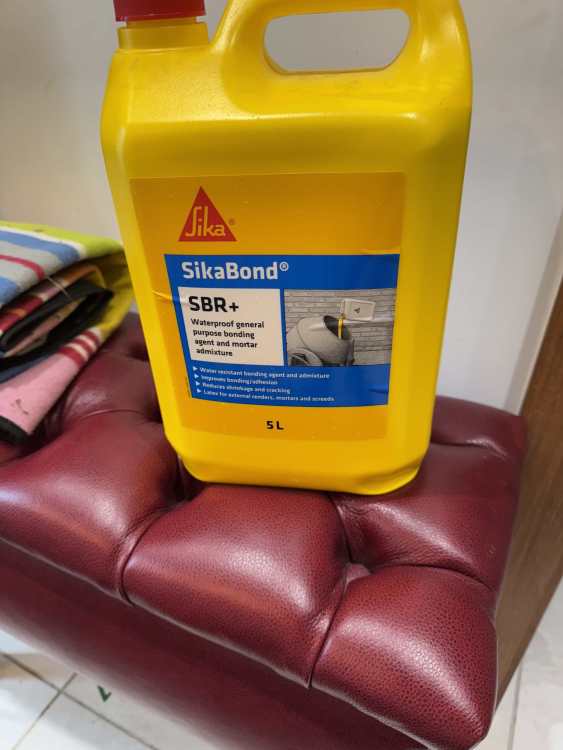
Look ! It arrived . He found me . Thats enough work for today . Big day tomorrow
-
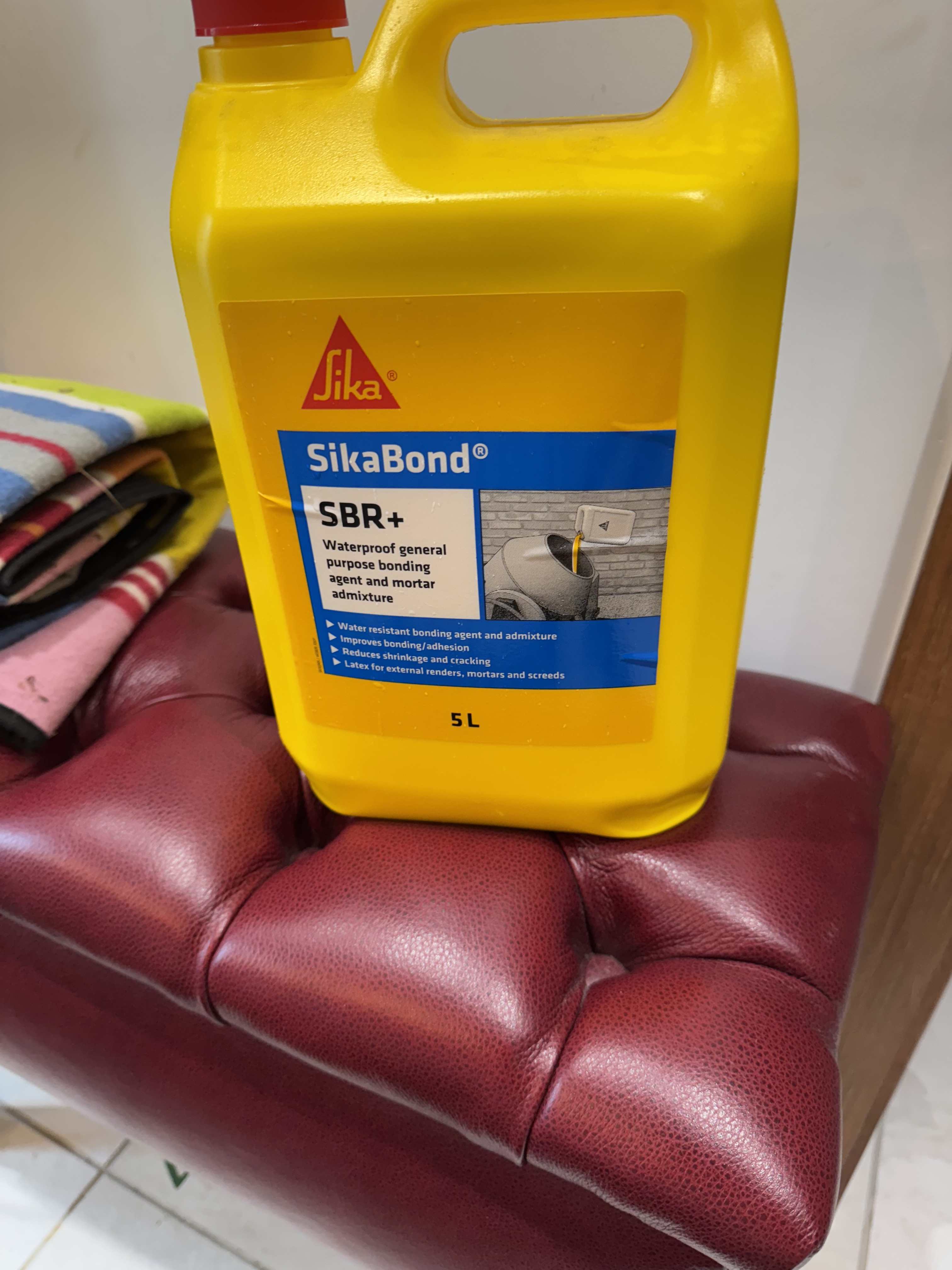
Now as most of you know I tend to take my time on my build . Enjoying the anemic pace . I need some sbr for tomorrow . Could order from Amazon for delivery tomorrow- but it might arrive to late . Could drive to Screwfix / Toolstation and get some . But I’ve got to move outside my dungeon . Decided to use toolstation same day delivery ( fast track ) . Taken me over 30 mins to get the app to work correctly and give me that delivery option . Longer than it would take to drive there and collect . That’s lazy isn’t it . Though I am sat here watching the little van icon on the map for delivery . He’s unlikely to find me as most drivers get stuck . But it’s nice to watch a little van icon
-
Glad someone got the humour !
-
Thats exactly how this works . I twisted the top as far as I could before getting the peg in . They give you tiny holes on the head and a match stick metal pin to put in and turn it . That would snap I think . Managed to use a slim drill bit to turn it - but I reckon any more stress would snap that .
-
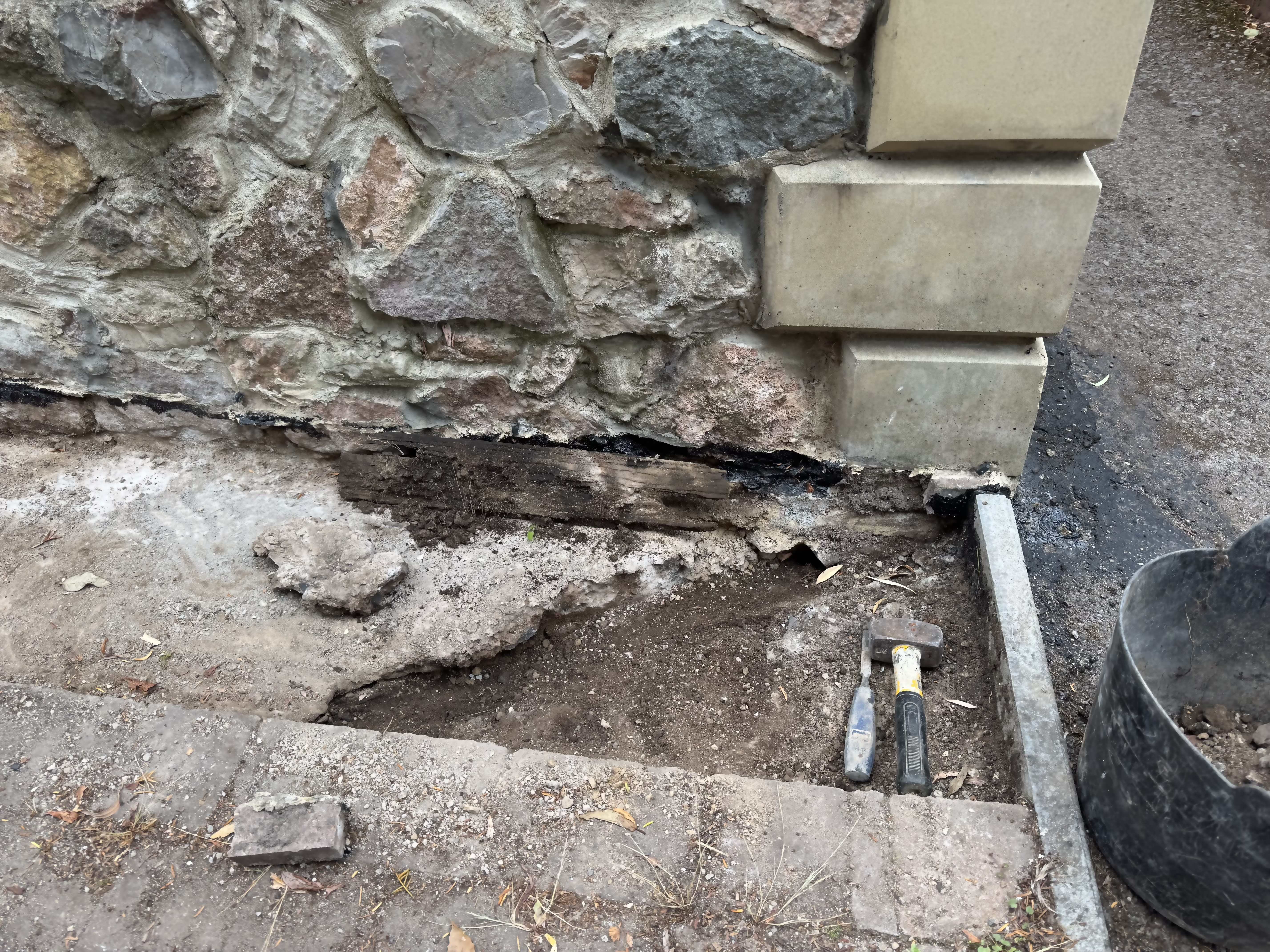
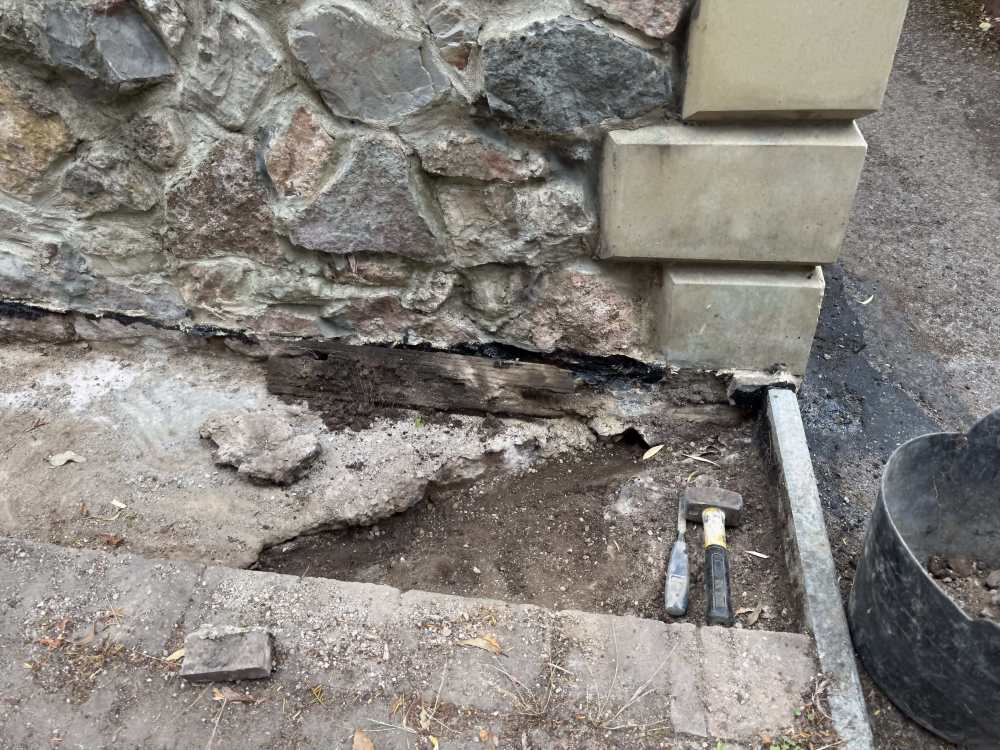
Rain definitely stopping play today . So tomorrow. Clean exposed slab . Cement fill that gap at the end ( sbr and fibres ) . Dilute sbr slurry over the rest . Then sbr,fibres cement mix over the lot ( only need about 10mm or so ) . Once dry bitumen paint the lot
-
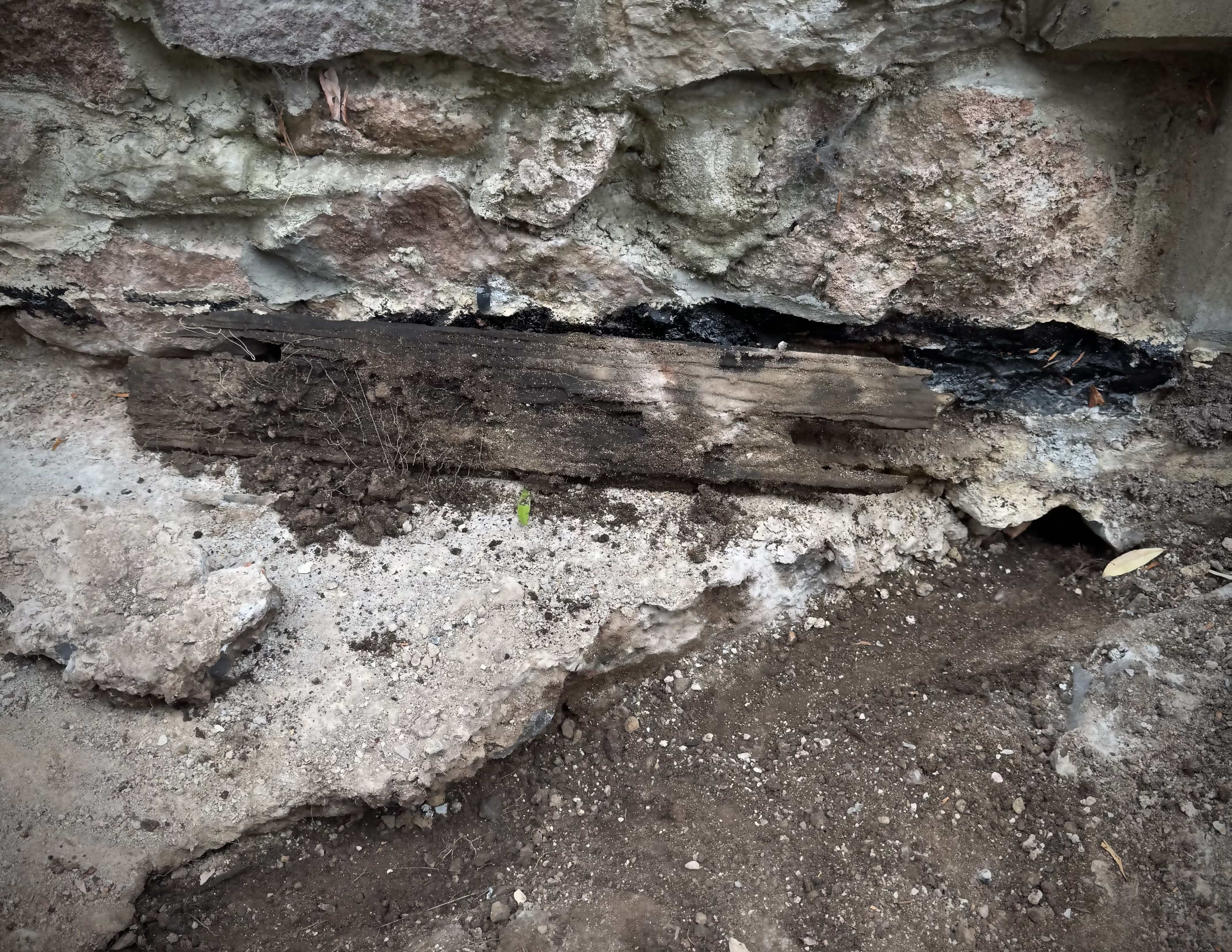
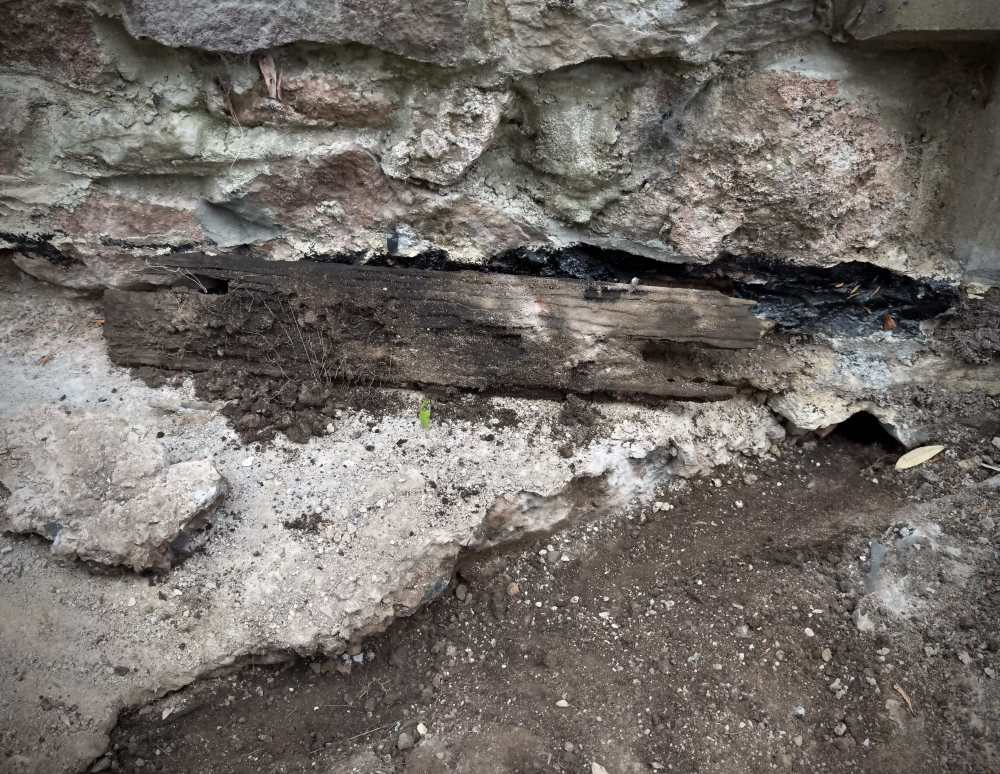
Looking in more detail ( always confused me a bit ) the original concrete poured backfill always seemed unlikely to leak . But here you can see it literally ends on a diagonal . I assume that timber was maybe part of the shuttering ? . So rough crap ground with some form of hole right on the corner of the slab - whether this is the root problem or not who knows but it is still a problem . Looks like rain will stop play today - tomorrow will shallow pour over it all and of course completely fill that end bit up .
-
-
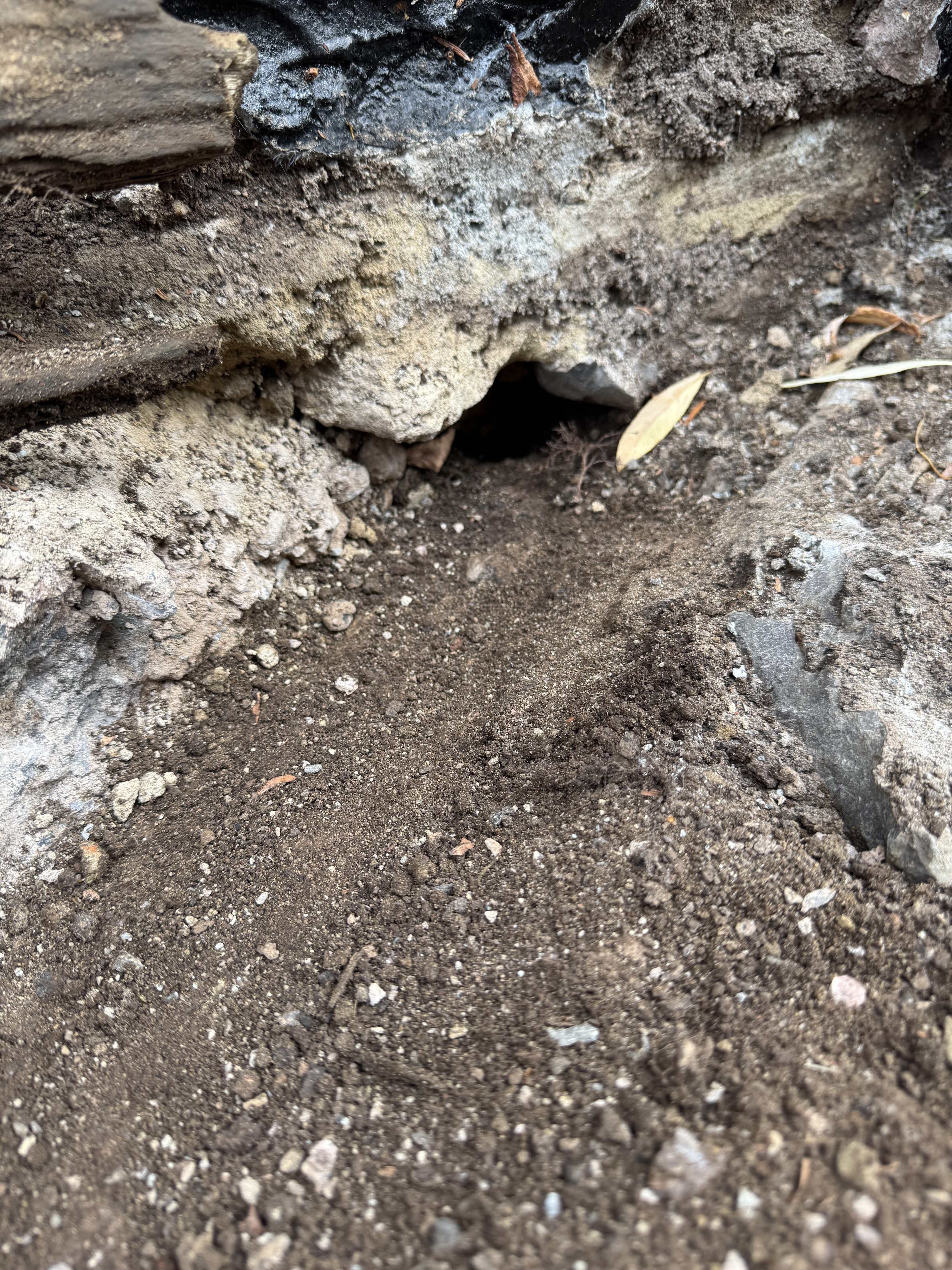
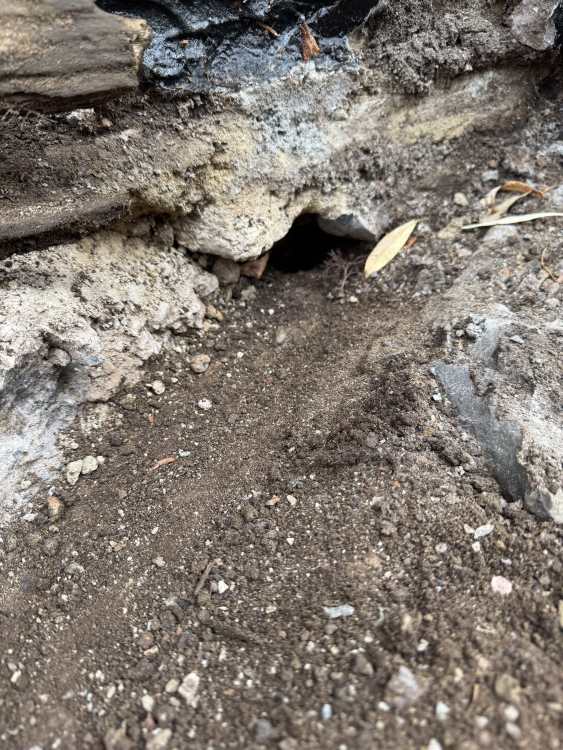
At 3am ( per usual ) I speculate what that bit of timber could be . A Viking long boat ? , alien material ? So ; decided to dig it out . Not very spectacular ; but ! Makes a nice channel to an equally nice hole under the wall …
-
Nope .
-
I liked my post - but it’s gone 😔
-
Which leak ? So many !
-
Yes it works , in a way ! . If the gate it left fully open it will close it . If you deliberately just open it a ‘bit’ the spring doesn’t have enough tension to close it fully and latch . But it’s good enough
-
Who should come and look at this ? Or do I wait ? ; see if it gets worse ?
-
(expletive deleted)ing forum . No useful insightful comments . Only on page 17 ; got plenty more to go so strap in ! ( on ? )
-

You lot are so (expletive deleted)ed
Pocster replied to Pocster's topic in General Self Build & DIY Discussion
You’d remember uncle Nick ! 😉 -
Kitchen sink waste and boiler overflow Both go straight into the drain
-
Saniflo alarm not adequate
Pocster replied to Pocster's topic in Networks, AV, Security & Automation
Altering the tube length …. -
Saniflo alarm not adequate
Pocster replied to Pocster's topic in Networks, AV, Security & Automation
Ok ! Almost works in situ The pressure switch is WAY too sensitive. I tried during the tube length it sits in etc - but it triggers when the pump is in normal use . Ordered a less sensitive version -
You lot are so (expletive deleted)ed
Pocster replied to Pocster's topic in General Self Build & DIY Discussion
Not after last time where I shoved it ! 😂 -
It’s not the post . You not read this entire thread yet ? 😂
-
Nope . It’s not an issue with the roof . Tested as best I can ( assumed a roof issue as the 1st thing ) . The fact I poured Sodium silicate along the paver slot and made a substantial difference does indicate I’m in the right zone .
-
Yes . Bolted to the wall and goes into the ground . I tested this and couldn’t make it cause a leak I.e water not near it and leaks - did this in an earlier post .
-
Could be for sure . But underneath round the Lightwell where it leaks - it seems to come from the front and to the right I.e towards the gate / roof corner . So if I cement that chunk and bitumen paint I might be successful
-
You lot are so (expletive deleted)ed
Pocster replied to Pocster's topic in General Self Build & DIY Discussion
Those skills aren’t required for the role ; Cornish fudge packer boy . -
You lot are so (expletive deleted)ed
Pocster replied to Pocster's topic in General Self Build & DIY Discussion
Tailoring my CV to suit the job . Me and my mate chat ; will have it all sown up soon . I can wait .