
Pocster
-
Posts
14421 -
Joined
-
Last visited
-
Days Won
29
Everything posted by Pocster
-
B o l l o c k s
-
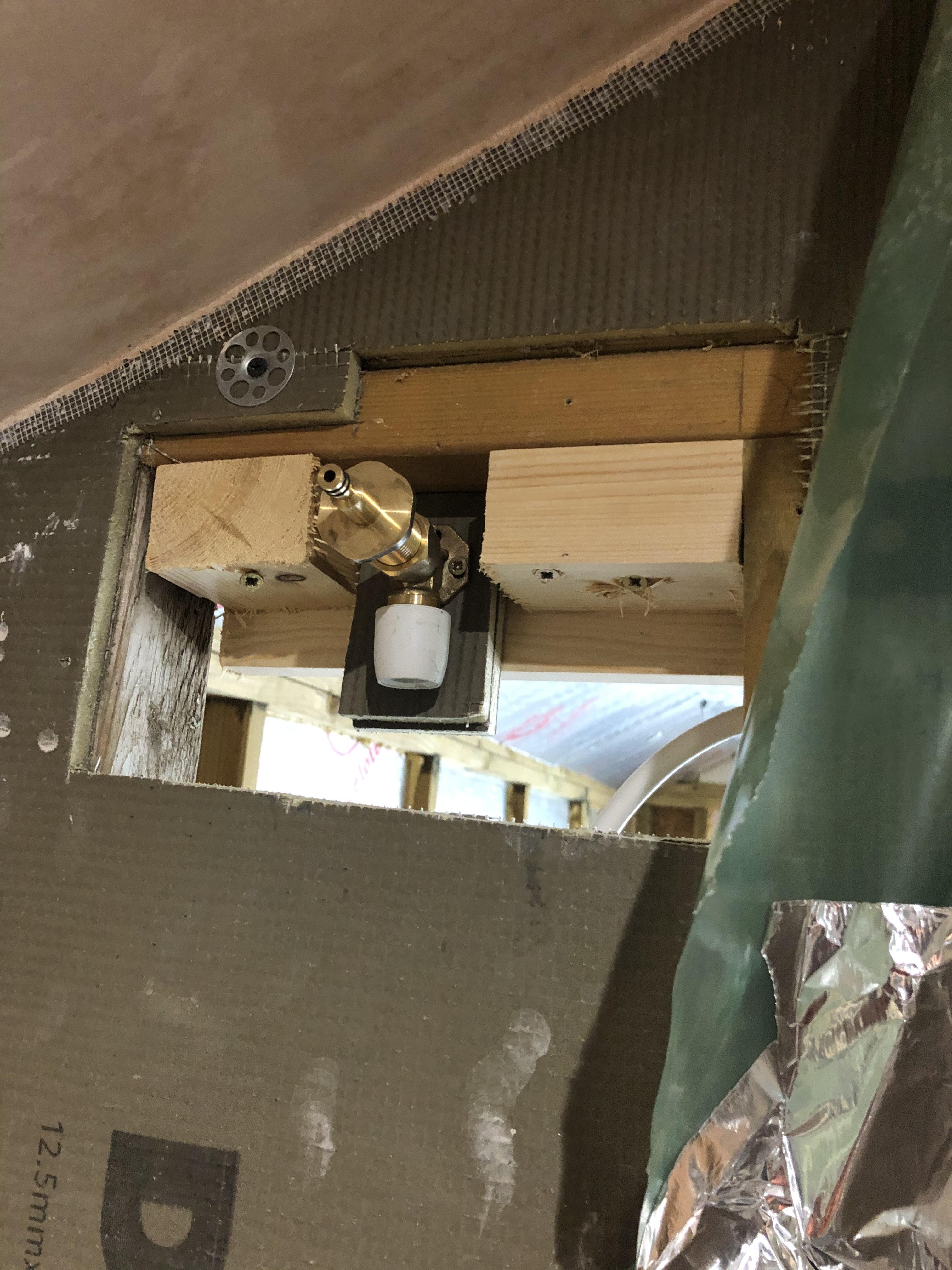
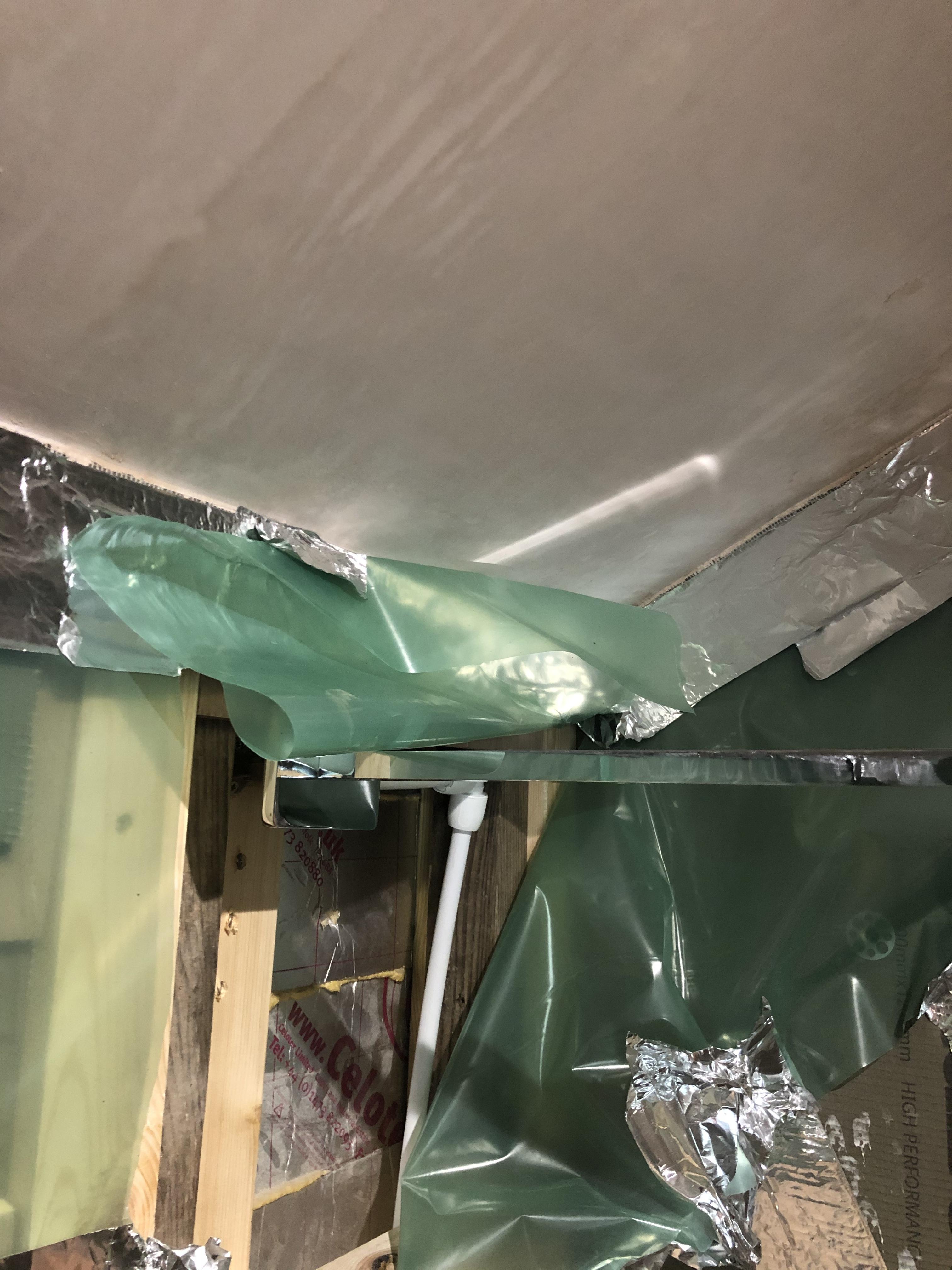
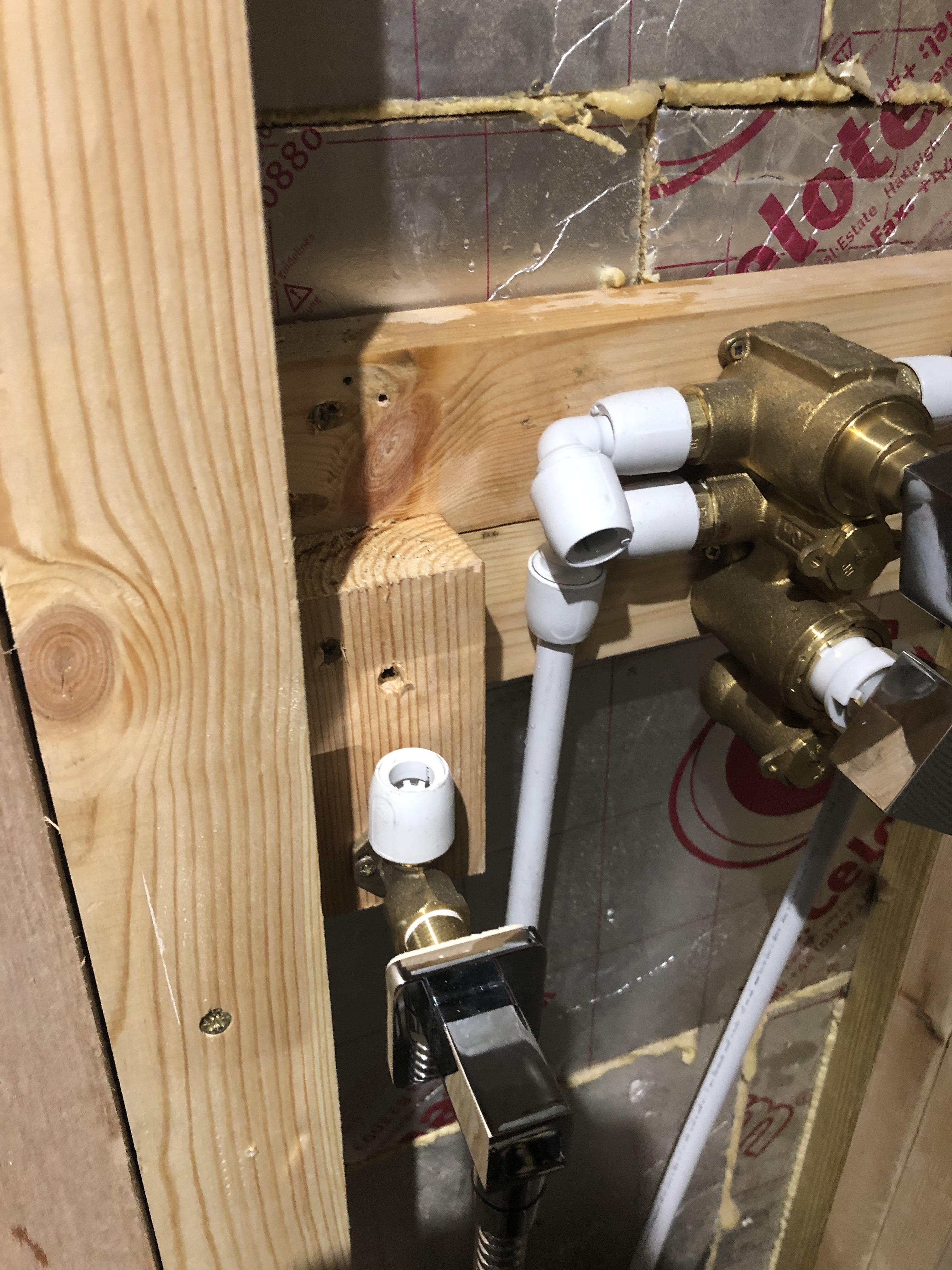
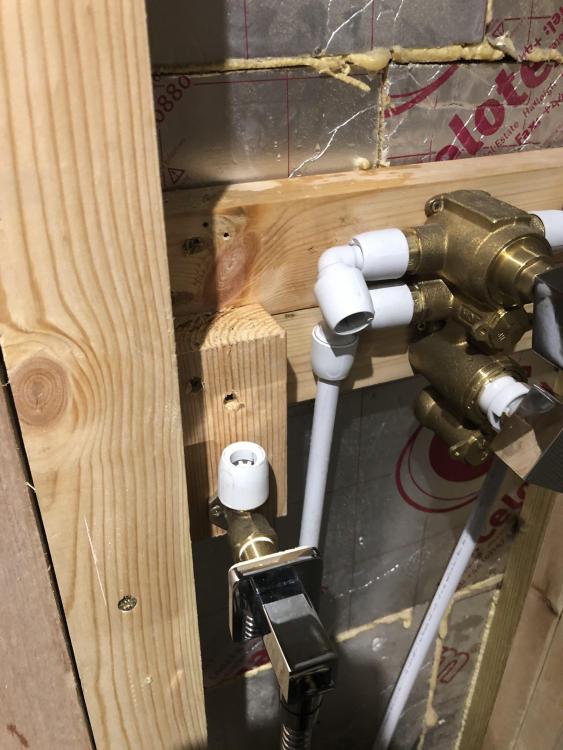
Only issue is to get the feed from the mixer to the shower head will require hep20 joints . I was trying to avoid using them to reduce the chance of leaks - though to date no hep2o fitting has ever leaked . So I guess shouldn’t worry about using them ( they will be inaccessible)
-
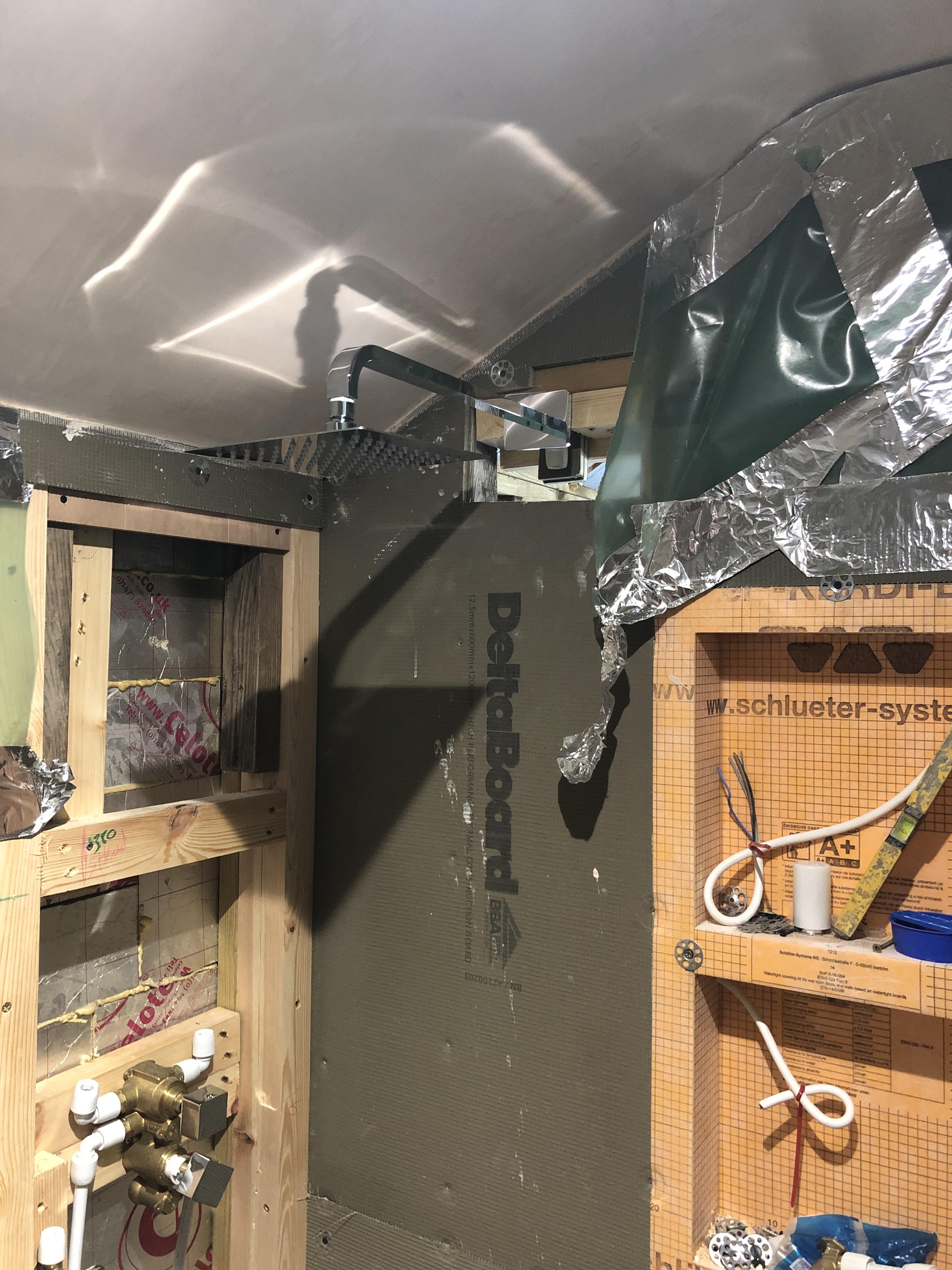
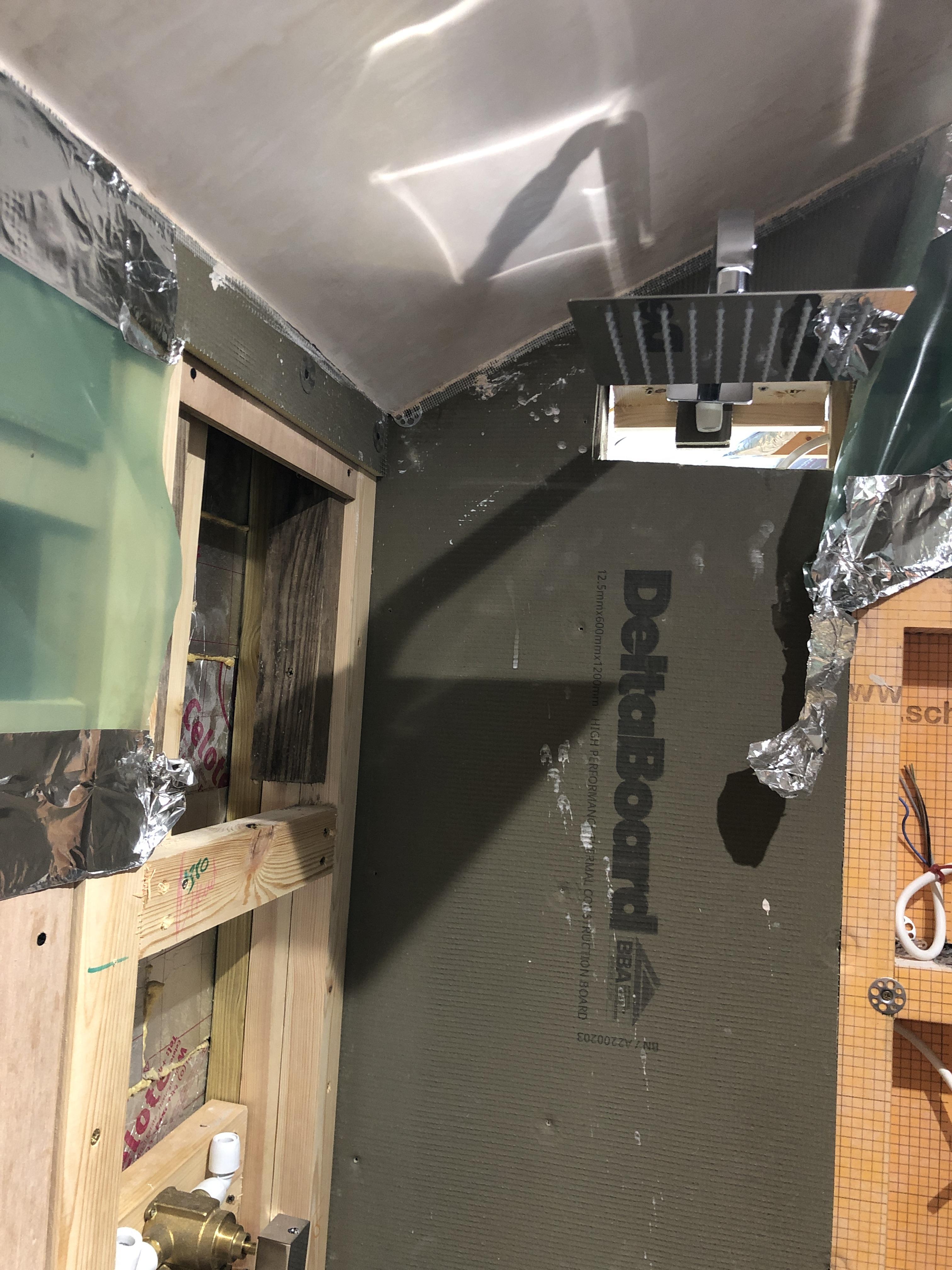
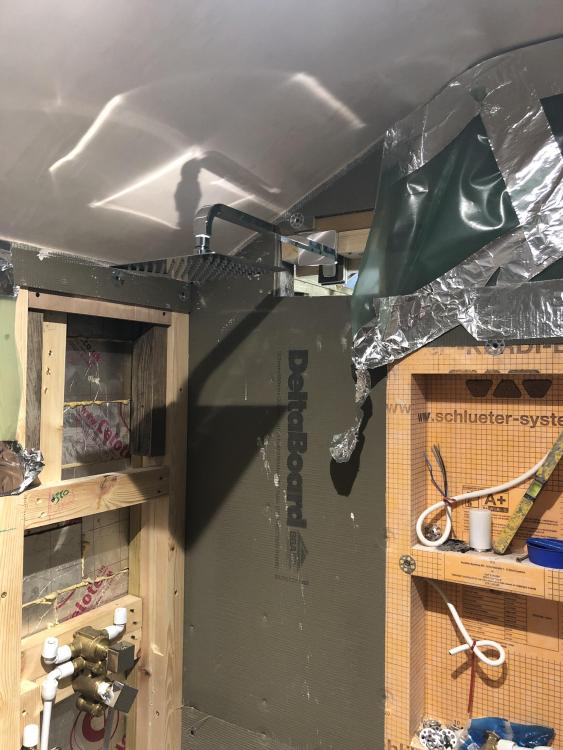
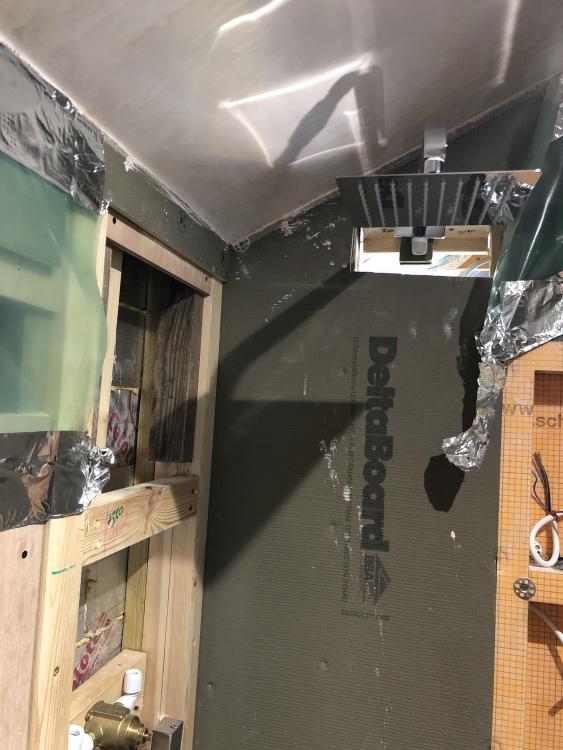
Floor to head approx 213cm
-
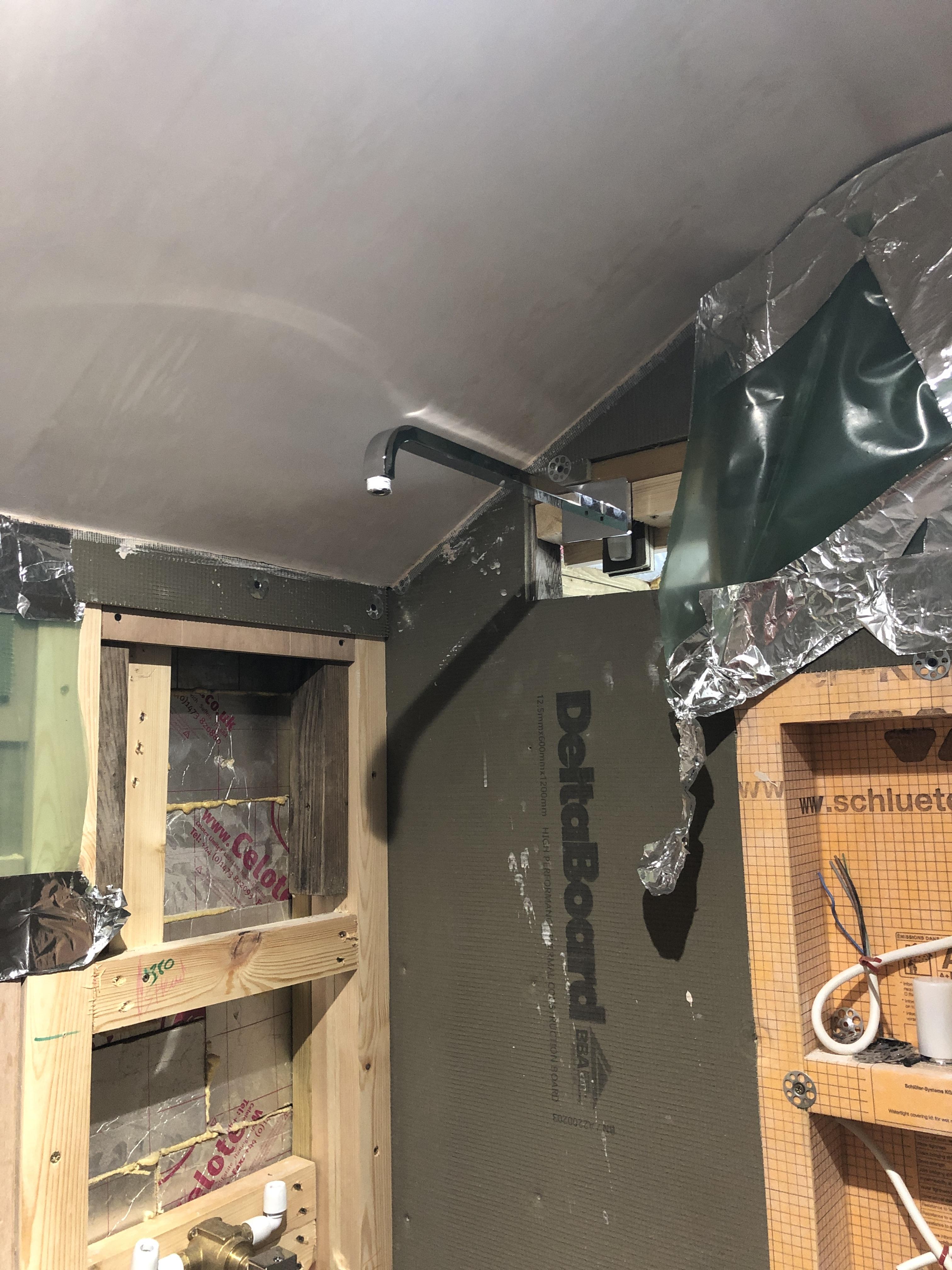
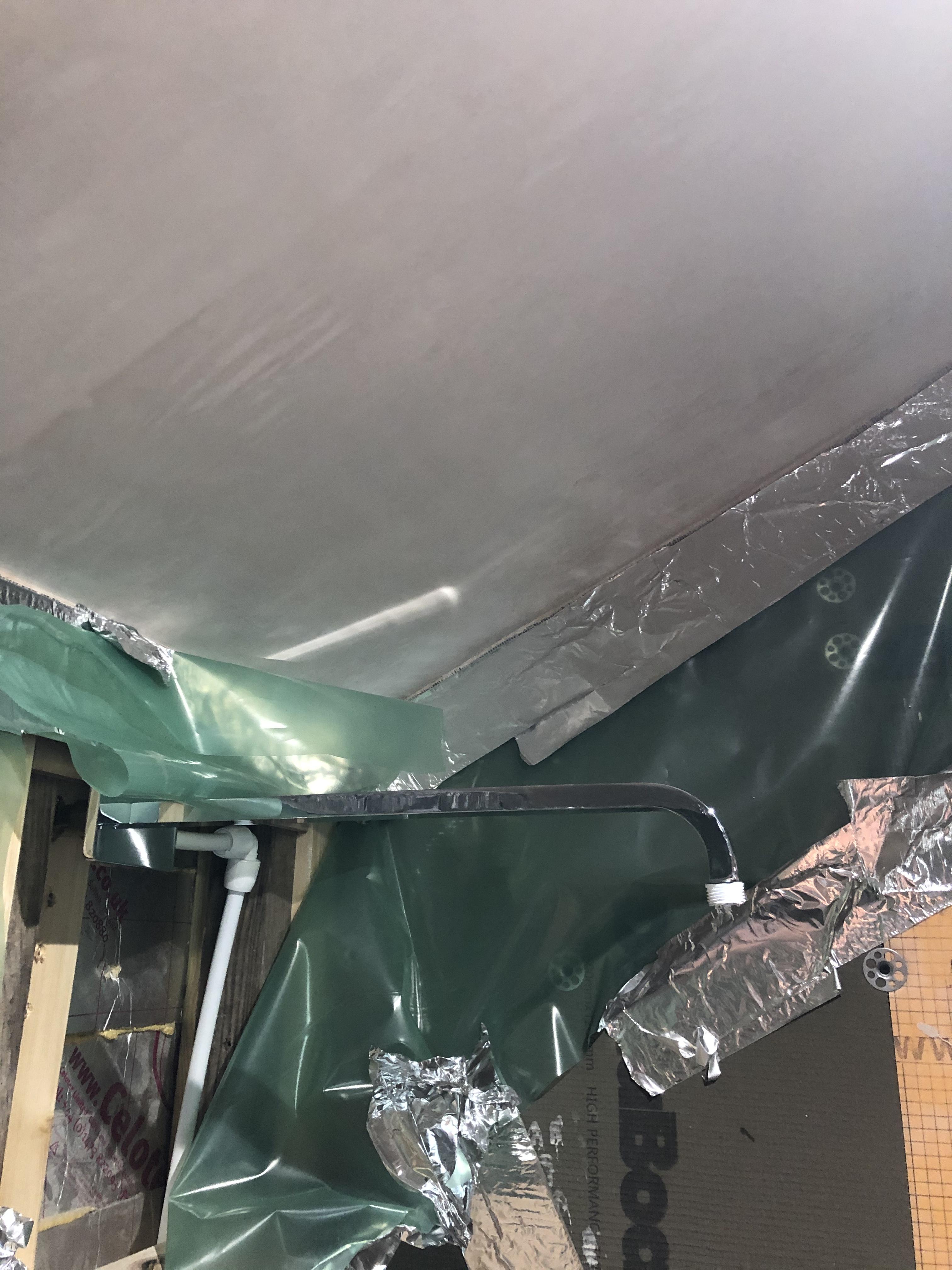
Shower head fixing has a ball joint so can tilt - this look ok ?
-
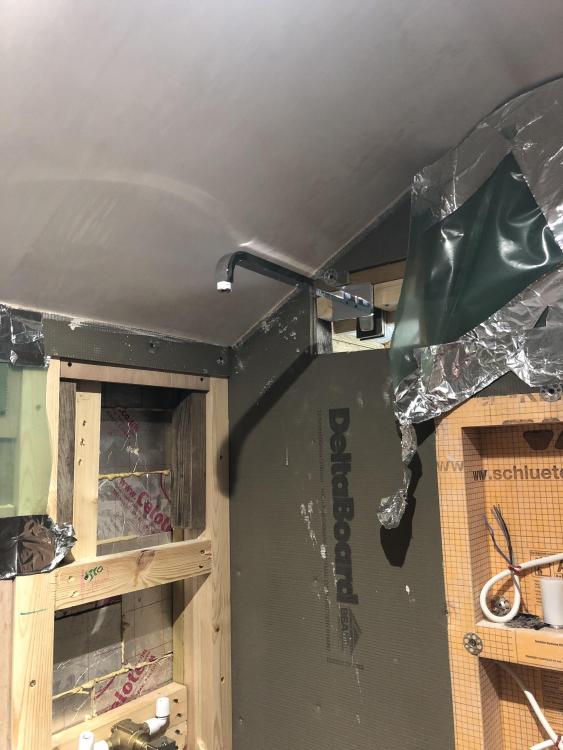
So ...
-
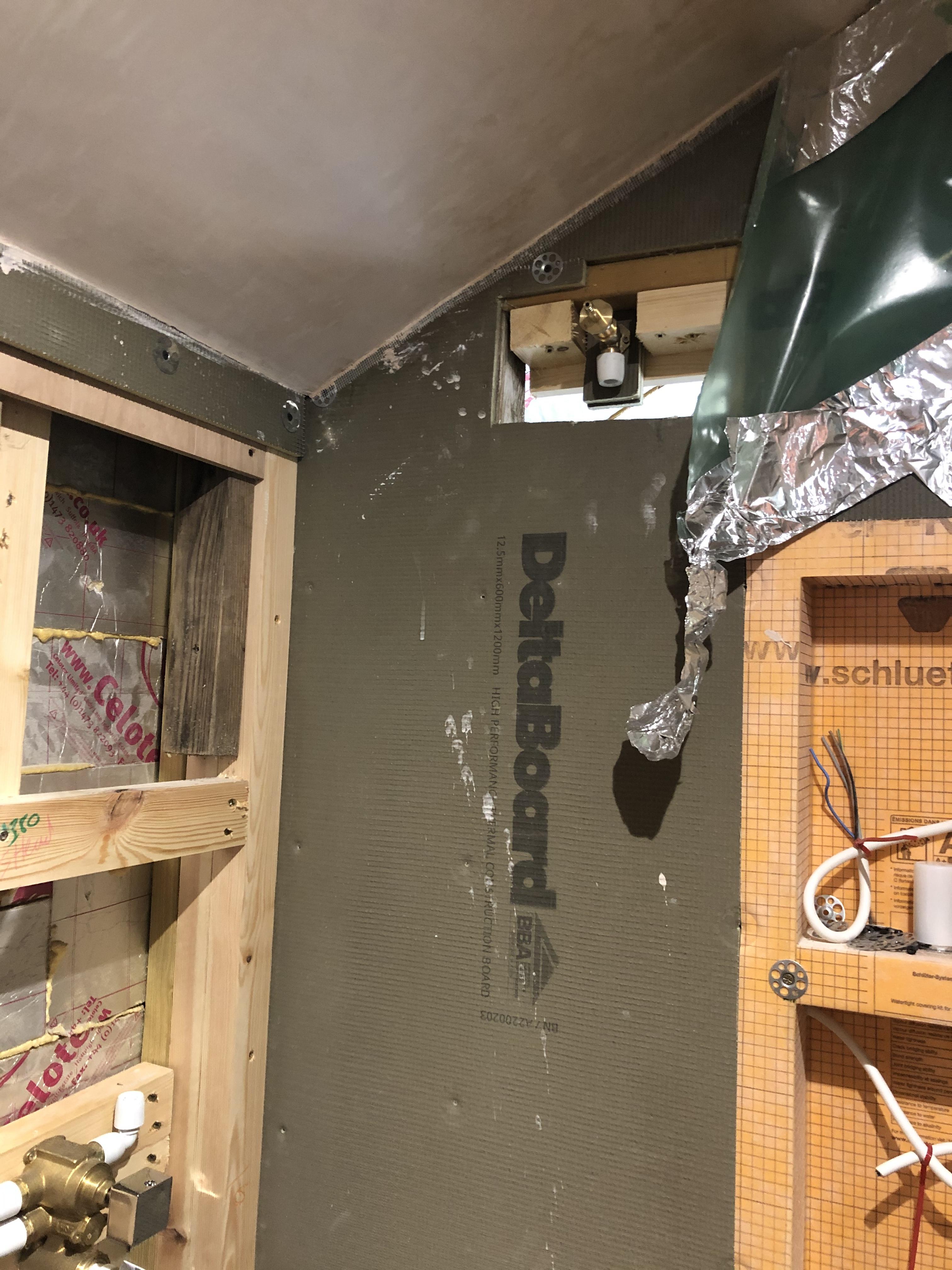
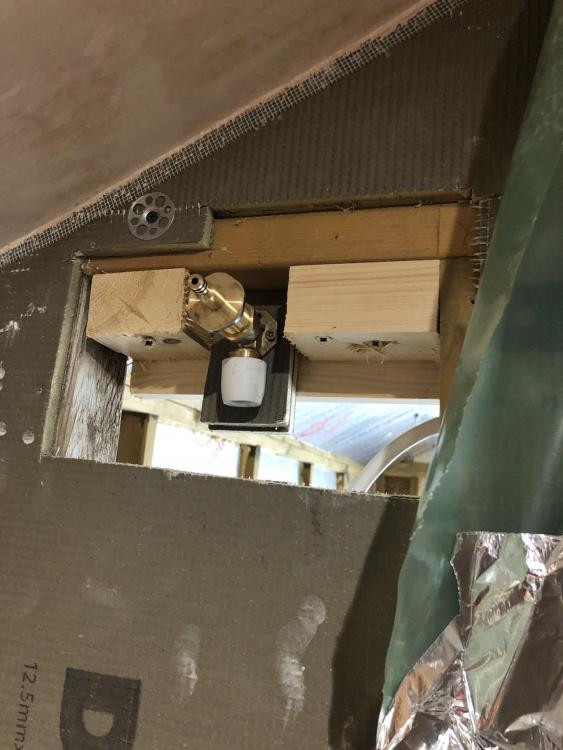
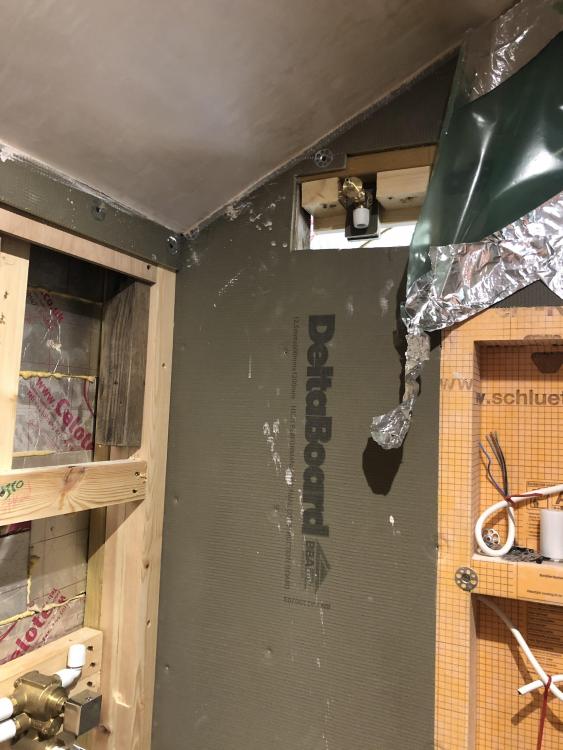
Nasty Cludge to get shower head fitting on other wall . Wall single stud and fitting needs to be recessed . Access from rear not possible .
-
My rainfall can’t be central on its wall - but I don’t think that will matter . My controls on the other wall are ‘offset’ to the right. If I move the hose outlet I could put my riser central .
-
I’m considering this !! . The hand rail riser is in the centre of the wall on that side ?
-
Fair enough . I guess my perception is it’s all on the same wall ...
-
Yeah I considered that . But won’t it look wrong ??
-
Ah ! I most of dozed off before I reached that bit .
-
Roper Rhodes - so shouldn’t be cheap kak . Yep stem thingy fitting in the bsp to hep fitting . Think from memory ( I’m remembering well today ! ) it was you that pointed me towards these things some time ago . They are neat . But I can’t see how you dismantle a stem from a hep fitting as the dismantle key won’t fit in !
-
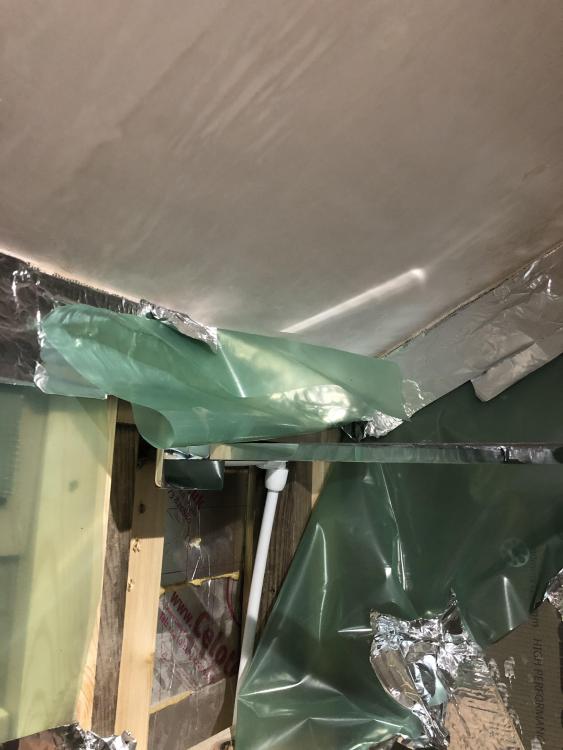
Googled it and suggestion was 183 to 203cm Might push it up that extra 70mm ..
-
Well I clicked ‘next’ 28 times on your life story thread . Erm , not sure what I’m meant to be looking at . Brought back a nostalgic tear to my eye , the good old days before CV and brexit . When life was simpler and grout lines were uneven .
-
Trays not in . But roughly height from floor to shower head is 190cm . I’m 6ft 1” so seems low too me . I can reposition it a bit further up - gain maybe 70mm That too low ??
-
@Nickfromwales told me to do it like that ???
-
Yeah . I got to 10 and thought that was ridiculous. Seems ok now - will leave overnight and see .
-
I forgot how much brass fittings like to leak . Each fitting should come with its own roll of ptf tape . Maybe in the distant future all mixers / taps etc. are hep20 ready ... ?
-
Possibly . Did seem to go on a bit . I swore at it ; still dripped
-
See ! I do listen and retain sometimes .
-
Decided therefore to test the shower head . Indeed opening the manifold did seem to alleviate the knocking . One thing I noticed is that with the shower set to fully off a small trickle still runs through the shower head . Can’t see any obvious adjustment for this ...
-
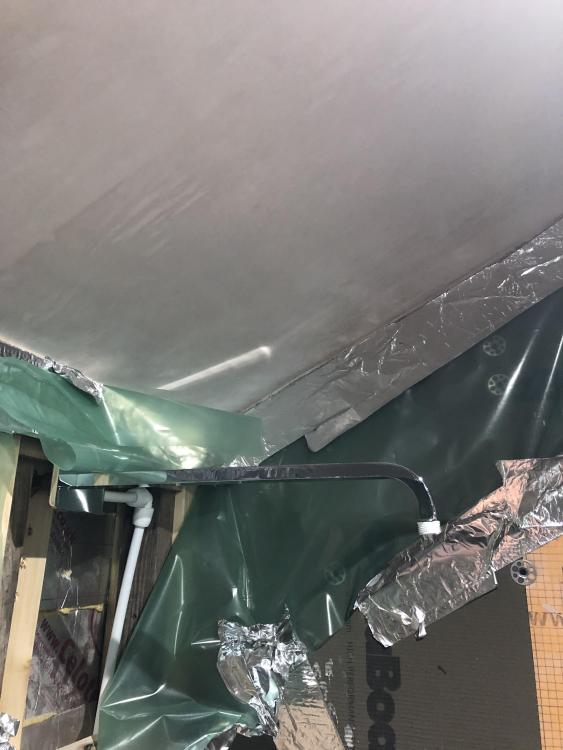
I’ll order some 135 see if that helps Shower head can’t be ceiling mounted as ceiling on an incline
-
Sorry you’ve lost me . The fitting on the mixer is bsp to hep20
-
Just vaguely remember @Nickfromwales saying not to attenuate flow with the manifold . Not on site at the mo - but possible manifold tap not completely open ...
-
It’s all curves up until the mixer as it’s a single run per feed with no joints .