Skip to content
View in the app

A better way to browse. Learn more.

BuildHub.org.uk

A full-screen app on your home screen with push notifications, badges and more.

To install this app on iOS and iPadOS
  1. Tap the Share icon in Safari
  2. Scroll the menu and tap Add to Home Screen.
  3. Tap Add in the top-right corner.
To install this app on Android
  1. Tap the 3-dot menu (⋮) in the top-right corner of the browser.
  2. Tap Add to Home screen or Install app.
  3. Confirm by tapping Install.

Scaffold Tent over 16C Barn - An Example

(0 reviews)

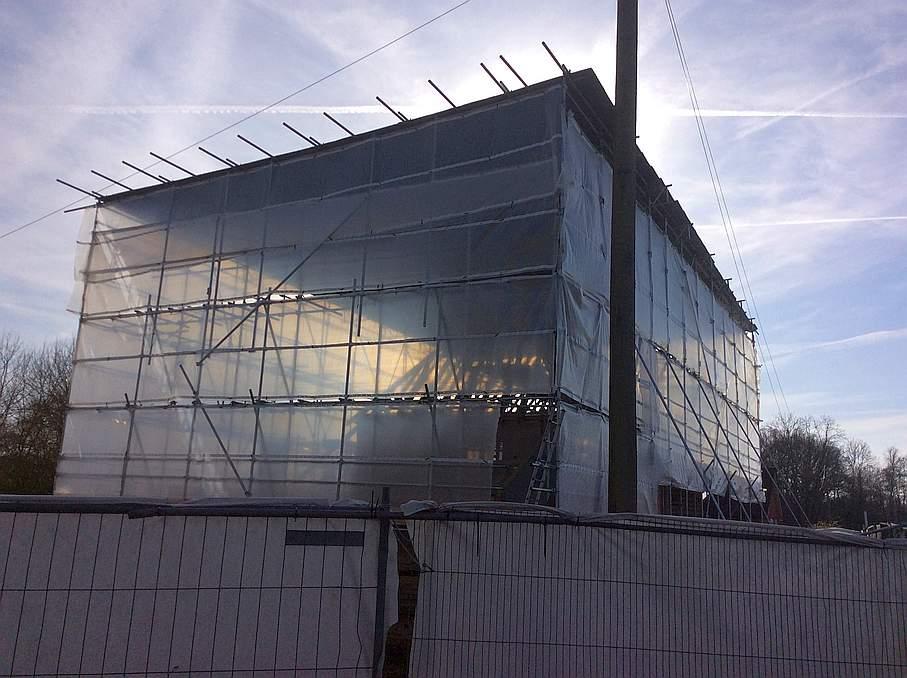
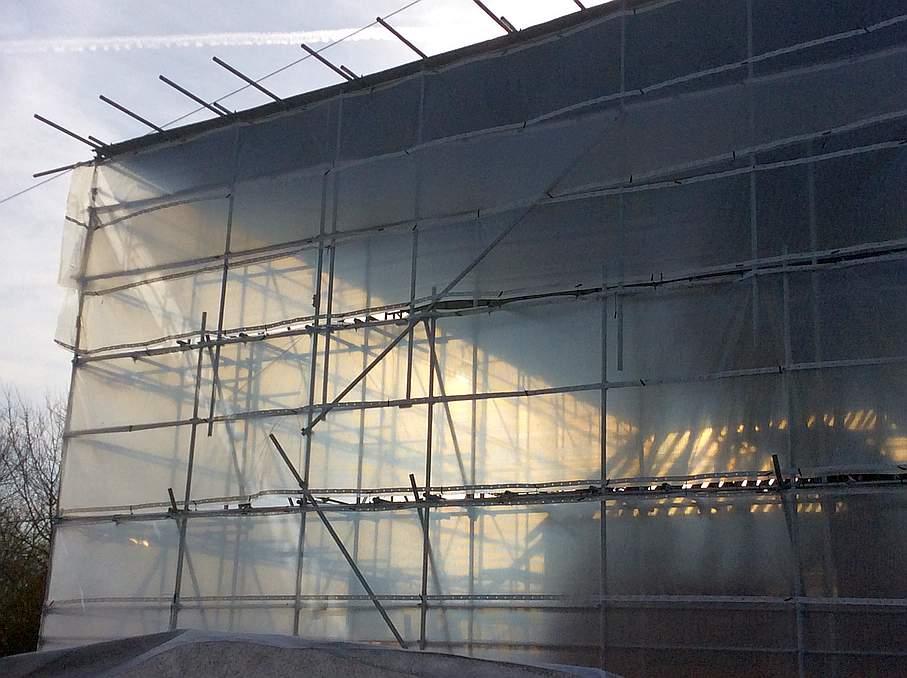
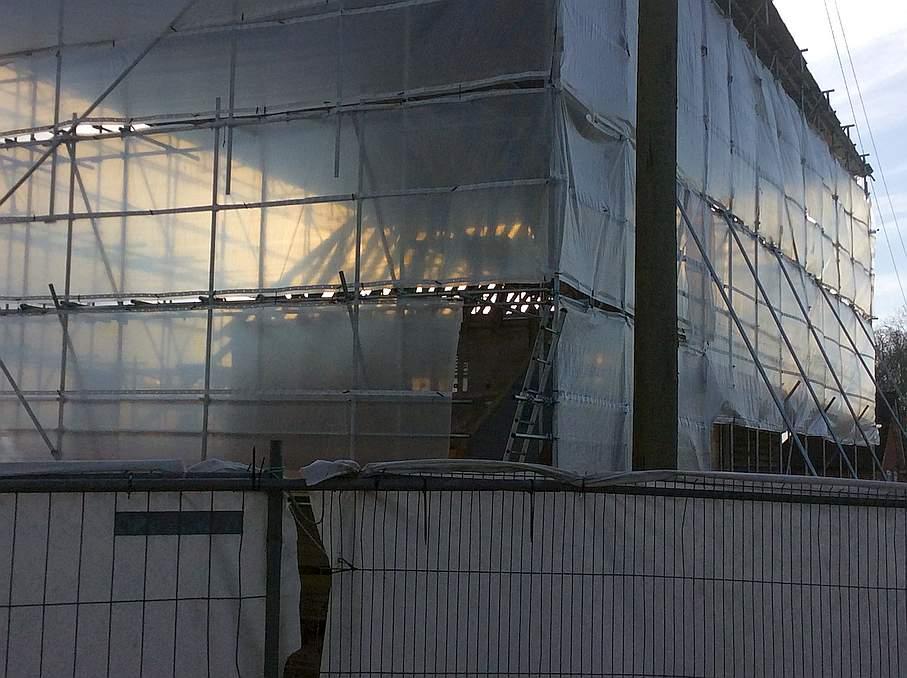
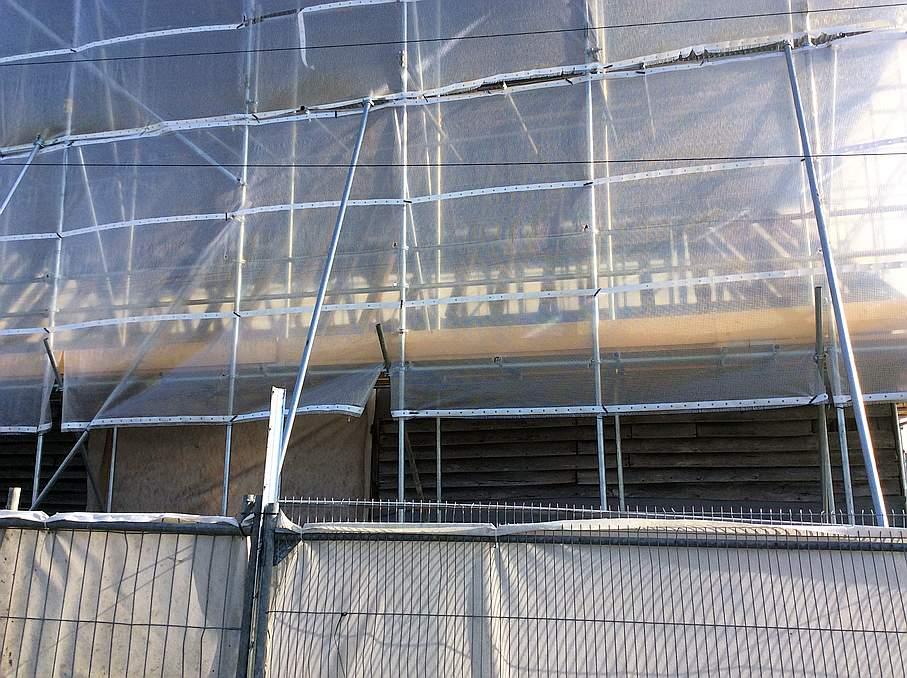
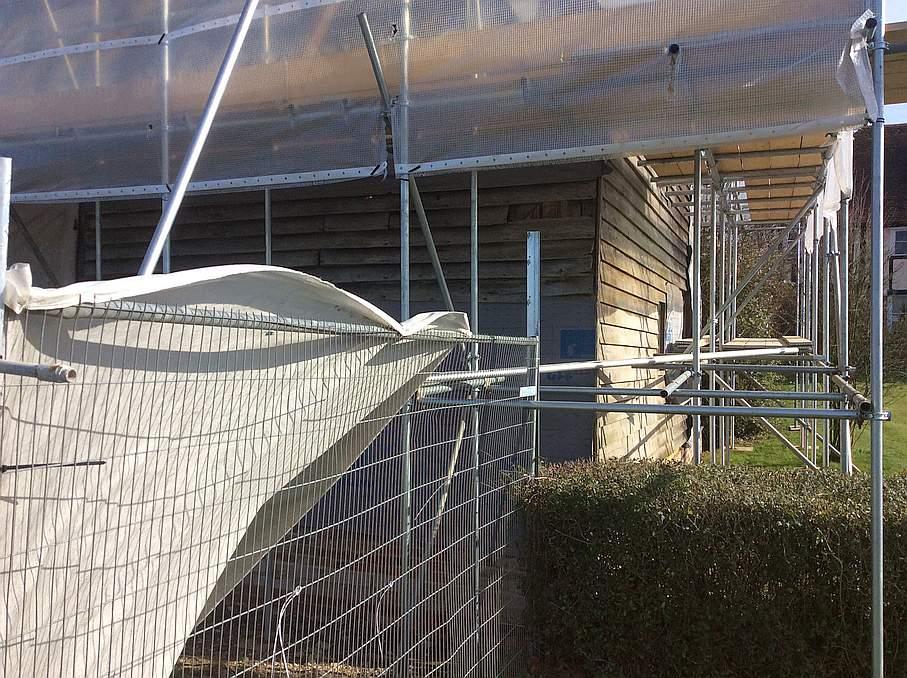
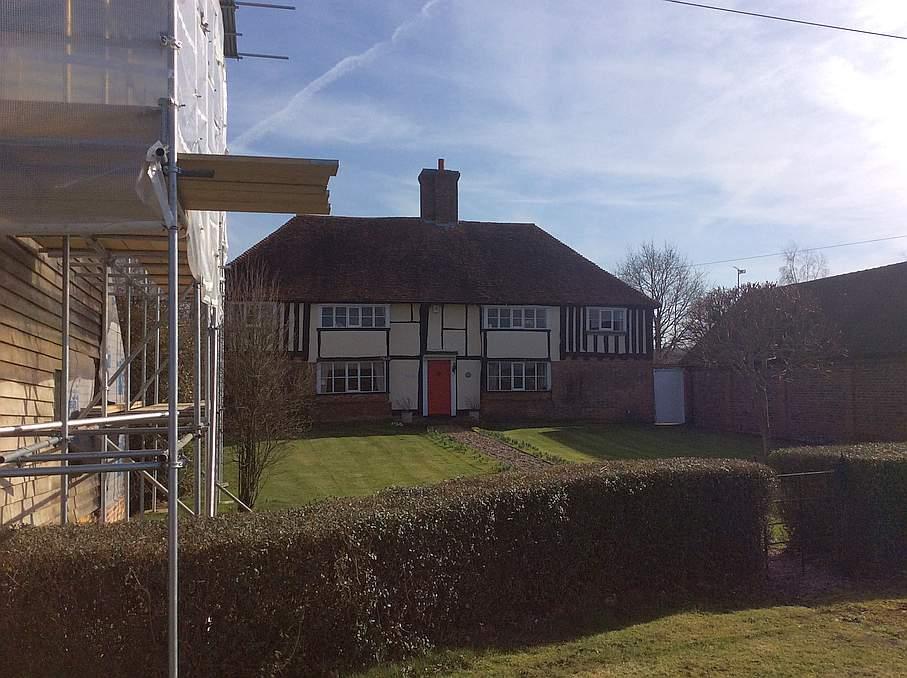
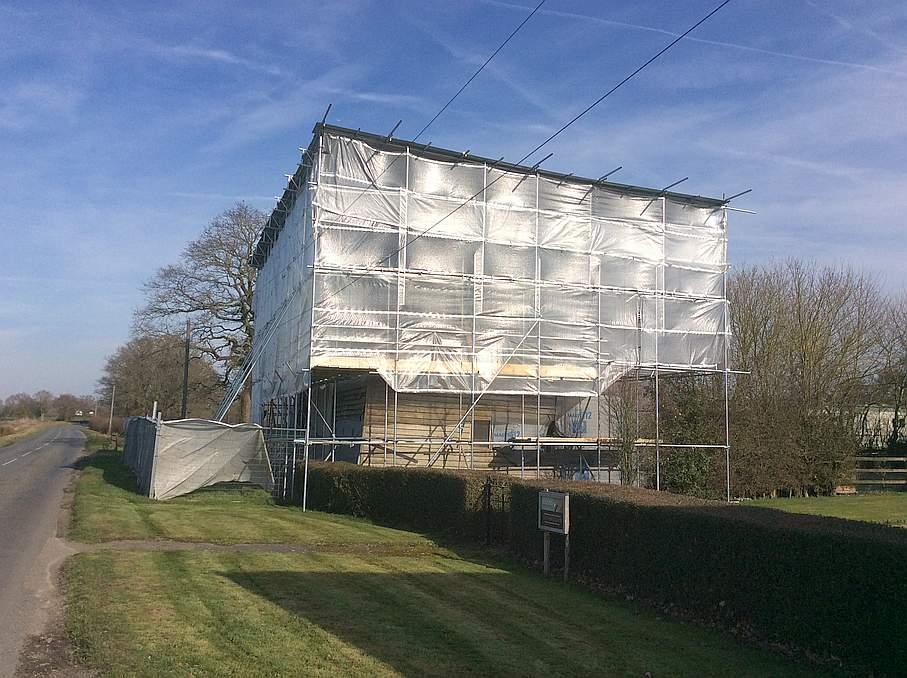
A scaffold tent is a shelter completely encompassing a build, or part of a build, to allow 'indoor' working whatever the weather.


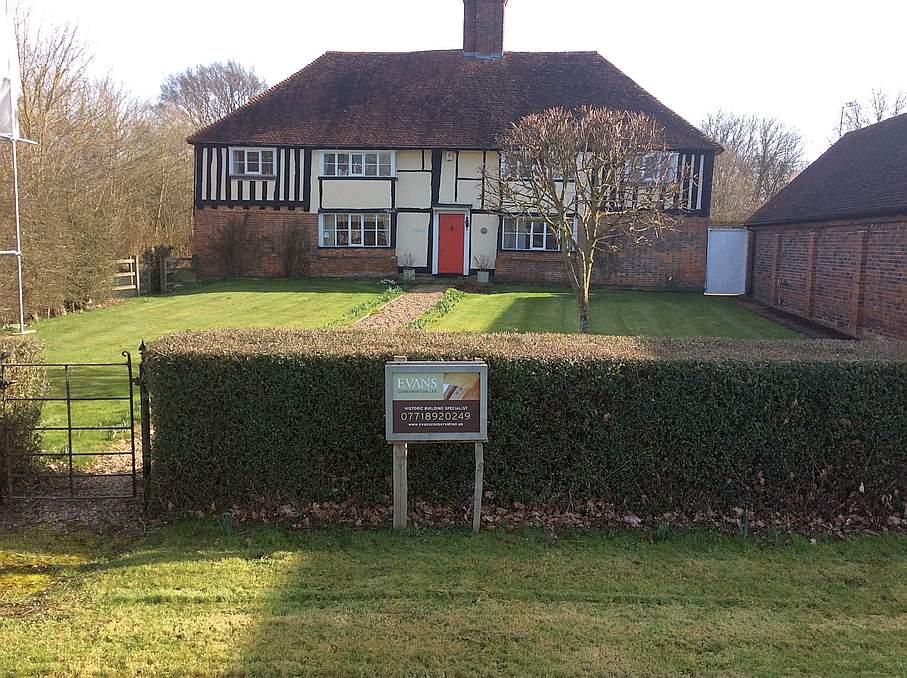
Recently a ran across a 16C barn inside one when I was taking the scenic route from Canterbury to Lewes to buy scaffolding.


The project was a builder restoring his barn, after a Planning Process that had taken more than a decade.

 

IMG_0662-small.jpg.2e4978388b93e1e46d36561a8e488f2f.jpg


IMG_0663-small.jpg.57a946be059d1823631e229bf7ea47a8.jpg


IMG_0665-small.jpg.e579a1da97b8fc66e87f71ba4ba516a6.jpg


IMG_0668-small.jpg.242593ade353eebdeb3b6caa8e4f8541.jpg


IMG_0666-small.jpg.cbfaa69523d21527d36bb307041bd69c.jpg


IMG_0664-small.jpg.c24dfa3e9bcaa25c255383e20697c9a0.jpg


IMG_0669-small.jpg.c1eb6a572b07ccaad43d645fac937fe1.jpg


IMG_0671-small.jpg.55b59ffb5e4aba7ff6e38f2a821d1a84.jpg


IMG_0670-small.jpg

4 Comments

Recommended Comments

Onoff

Members

That's my ideal for my place, do a new roof and EWI under cover. A few major refurbs / fire damaged places have been covered like this near me.

Thedreamer

Members

Would it be hot to work in if you had an unexpected hot/sunny spell?


2 minutes ago, Thedreamer said:

Would it be hot to work in if you had an unexpected hot/sunny spell?


Perhaps a section can be rolled back at the top.

Onoff

Members

3 minutes ago, Thedreamer said:

Would it be hot to work in if you had an unexpected hot/sunny spell?


Nah, just work @pocster style! ;)

Account

Navigation

Search

Search

Configure browser push notifications

Chrome (Android)
  1. Tap the lock icon next to the address bar.
  2. Tap Permissions → Notifications.
  3. Adjust your preference.
Chrome (Desktop)
  1. Click the padlock icon in the address bar.
  2. Select Site settings.
  3. Find Notifications and adjust your preference.