Skip to content
View in the app

A better way to browse. Learn more.

BuildHub.org.uk

A full-screen app on your home screen with push notifications, badges and more.

To install this app on iOS and iPadOS
  1. Tap the Share icon in Safari
  2. Scroll the menu and tap Add to Home Screen.
  3. Tap Add in the top-right corner.
To install this app on Android
  1. Tap the 3-dot menu (⋮) in the top-right corner of the browser.
  2. Tap Add to Home screen or Install app.
  3. Confirm by tapping Install.

Screeds and screams 1

(0 reviews)

In the last blog entry I was putting down insulation and the UFH pipework in the smaller of the 2 main downstairs rooms.  


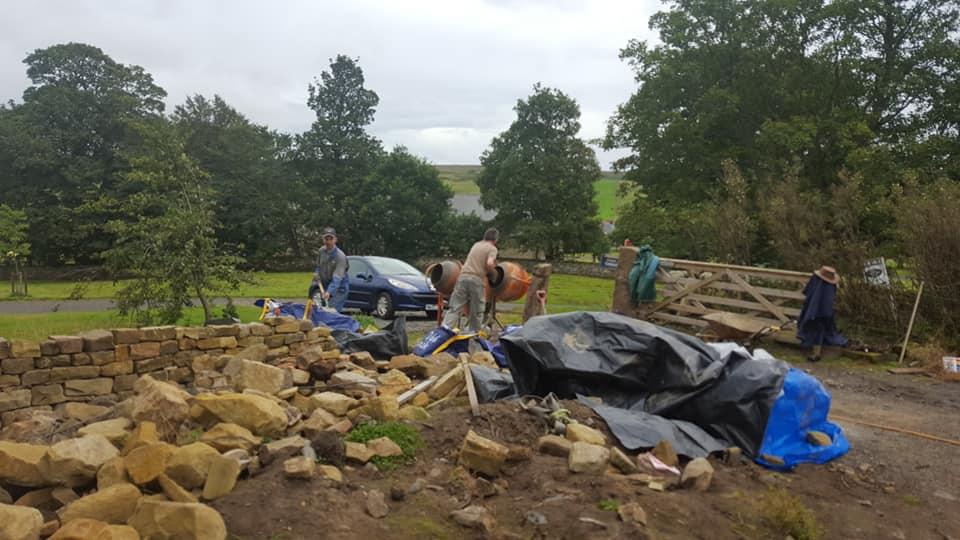
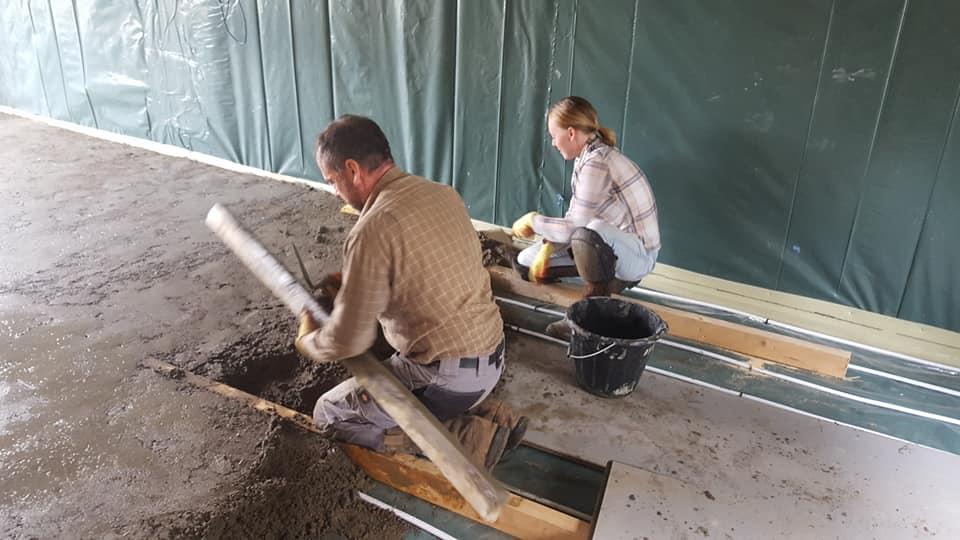
In the end I decided we would do the smaller (3.5m x 7.5m) sitting room ourselves.   So with myself and daughter levelling, wife and friend mixing and super fit farmer friend on the wheelbarrow we mixed the requisite 4 tons of screed and ton of cement and laid it in a day.  Fish and chip lunch provided of course to helpers! 


All in all we didn't to too bad a job.  Not as smooth as the pros but more than sufficiently so, and I may just run a very thin layer of self levelling over, more to fill in little voids than anything.  


41311794_10205388702272311_8055455573056946176_n.jpg

41339031_10205388707672446_4628051097955598336_n.jpg

41360611_10205388709632495_751841442573320192_n.jpg

0 Comments

Recommended Comments

There are no comments to display.

Account

Navigation

Search

Search

Configure browser push notifications

Chrome (Android)
  1. Tap the lock icon next to the address bar.
  2. Tap Permissions → Notifications.
  3. Adjust your preference.
Chrome (Desktop)
  1. Click the padlock icon in the address bar.
  2. Select Site settings.
  3. Find Notifications and adjust your preference.